Components
Charts and interactive controls, built to work together.
Charts
Area Chart
Gradient fills, interactive tooltips, and smooth animation.
Bar Chart
A composable bar chart with spring animations, stacked bars, horizontal orientation, and grouped series support
Candlestick Chart
A composable OHLC candlestick chart with gradients, patterns, tooltips, and hover interactions
Composed Chart
Mix SeriesBar, Line, and Area on one shared time axis (Recharts ComposedChart–style)
Funnel Chart
An animated funnel chart with multi-layer halo rings, hover interactions, and staggered entrance animations
Gauge
Notch-based radial or linear gauge with optional center label, theme fills, patterns, arc gradients, and responsive sizing
Heatmap Chart
A contribution heatmap with animated cells, configurable level colors and patterns, and an interactive legend
Live Line Chart
Real-time streaming line chart with smooth scrolling, crosshair, and animated axes
Pie Chart
A composable pie and donut chart with animated slices, hover interactions, patterns, gradients, and an interactive legend
Profit/Loss Line
Sign-colored line segments for profit and loss on a shared zero baseline
Ring Chart
A composable multi-ring progress chart with animated arcs, hover interactions, and a reusable legend component
Sparkline
Tiny line, area and bar charts built for density — one path per chart, a shared resize observer, lightweight enter animations and a minimal hover crosshair
Overlays
4
Data display
8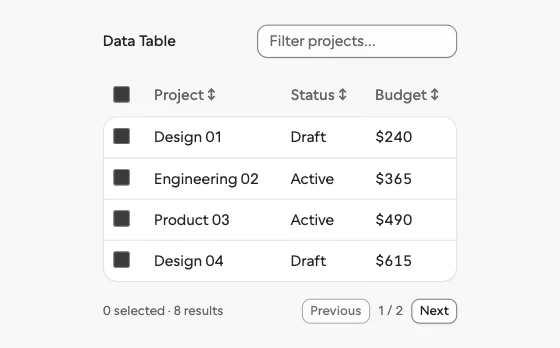
Data Table
Selectable, sortable data with filtering and pagination.
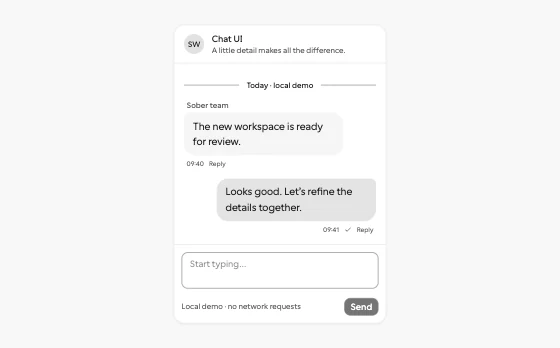
Chat UI
Local conversations, replies, unread messages and delivery states.
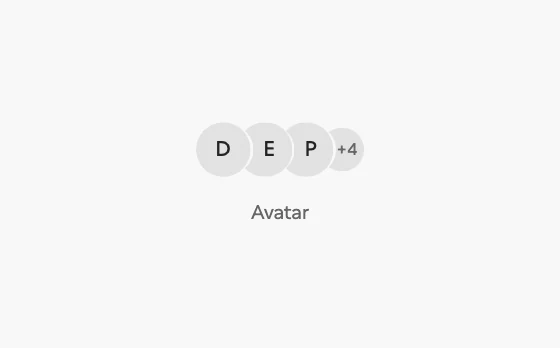
Avatar
Initials, image fallbacks and overlapping participant groups.
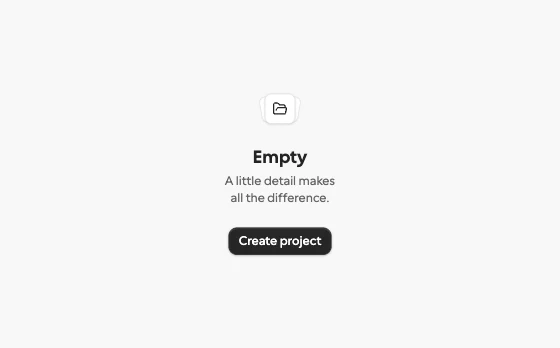
Empty
Purposeful empty states with a clear next action.
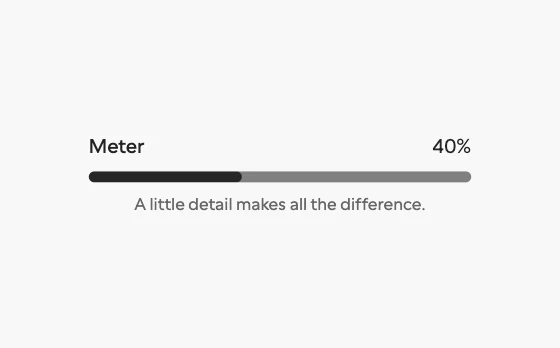
Meter
A labelled measurement of storage, budget or quota.
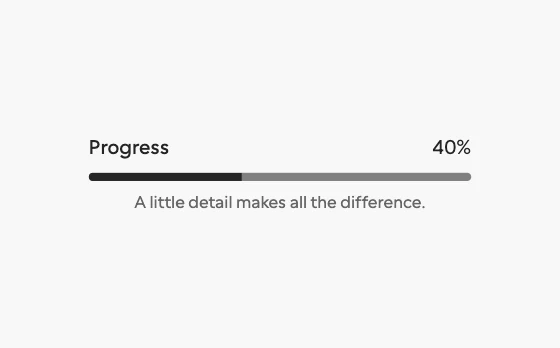
Progress
Determinate and indeterminate task progress.

Skeleton
Quiet loading placeholders that preserve layout.
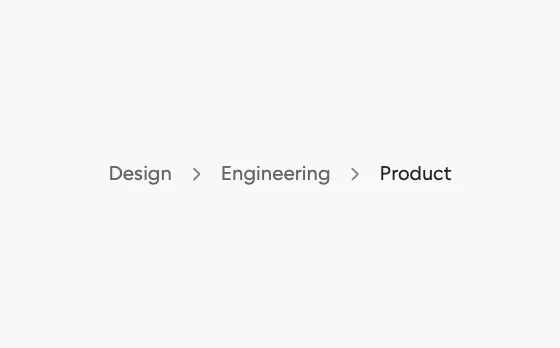
Breadcrumb
Composition
8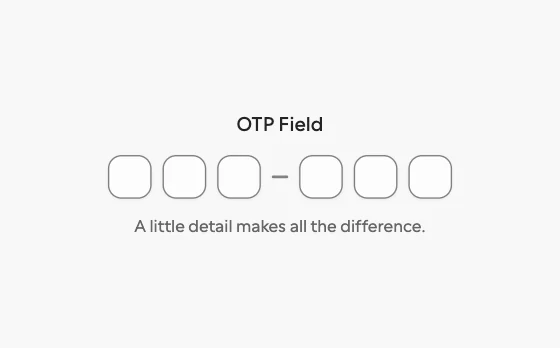
OTP Field
Accessible verification codes with paste and masking support.
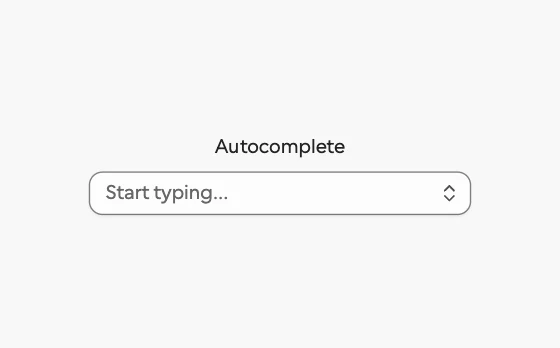
Autocomplete
Suggestions without restricting free text input.
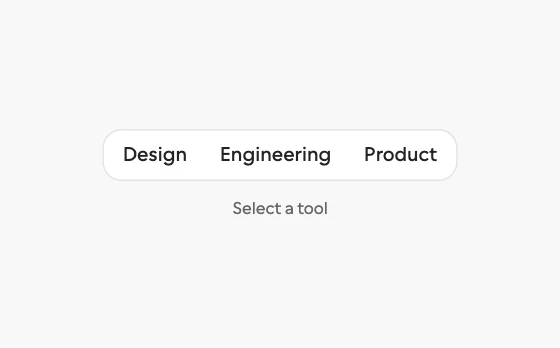
Toolbar
Grouped tools with arrow-key navigation.
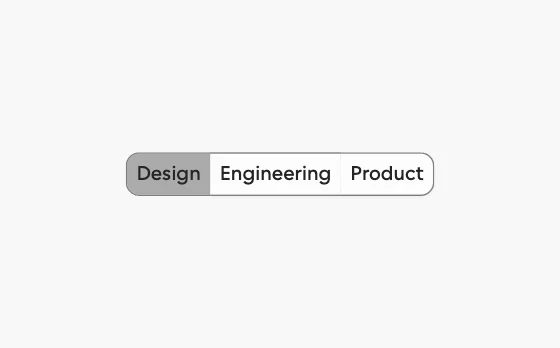
Toggle Group
Single or multiple pressed tools with keyboard navigation.
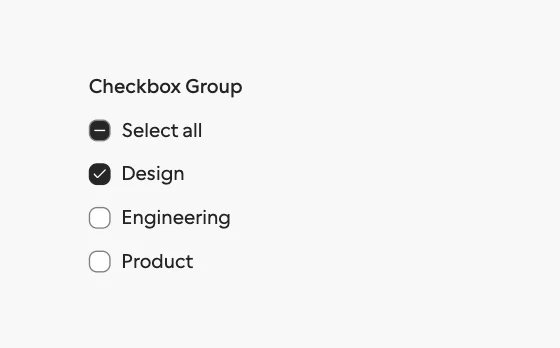
Checkbox Group
Related checkboxes with select-all and mixed states.
Input Group
Inputs composed with units, actions and contextual details.
Field
Connected labels, descriptions and validation messages.
Form
Accessible validation and local form submission.
Buttons
11
Button
Action Button
Split Button
Button Group
Floating Button Group
Expanding Button Group
Copy Button
Action Swap
Swap an action label while preserving its place and intent.

Icon Morph
Icons that morph between states: menu to close, play to pause, copy to check, and more.
Confirm Morph
A destructive button that morphs into an inline confirmation, a spinner, and a result with undo.
Theme switcher
Four smooth ways to move between light and dark appearance.
Gestures
3
Menus
3
Text fields
7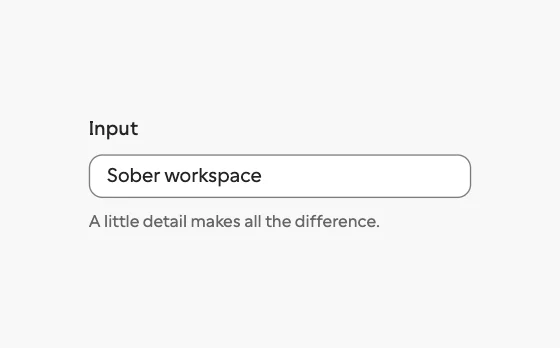
Input
A single line field with clear labels and useful states.
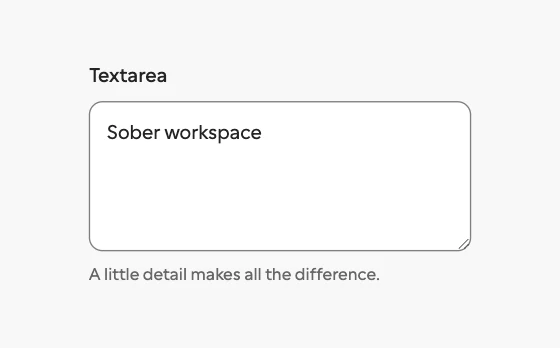
Textarea
A multiline field for notes, descriptions, and longer text.
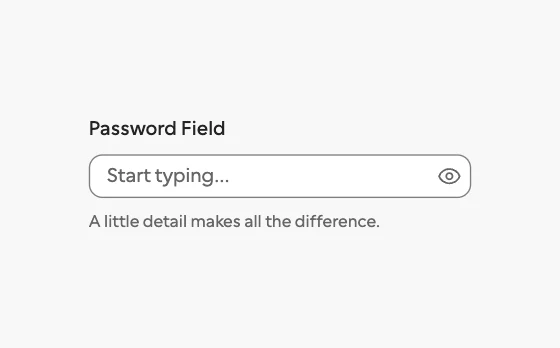
Password Field
Capture sensitive text with a visible reveal control.
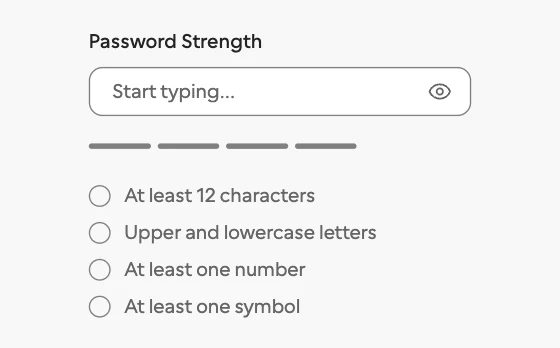
Password Strength
Show how strong a new password is while it is typed.
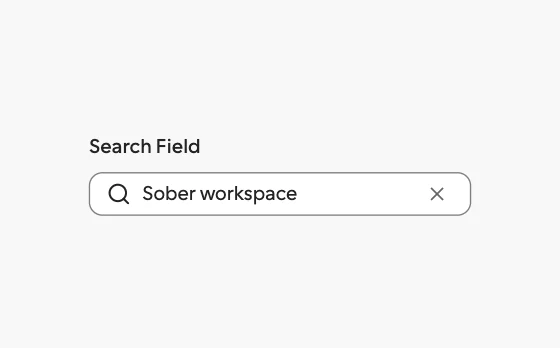
Search Field
A recognizable search entry point with clear affordances.

Expanding Search
An icon that morphs into a search field with results beneath it.
Inline Edit
Rename in place: the text becomes a field without moving.
Special inputs
7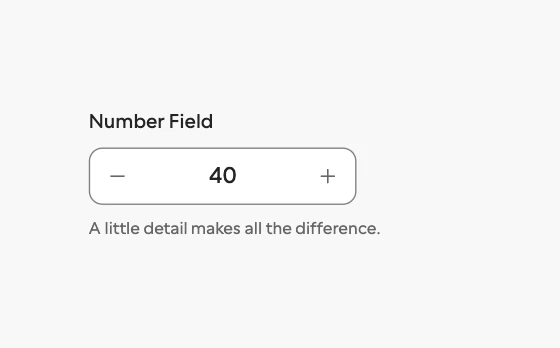
Number Field
Enter a bounded number with clear increment controls.
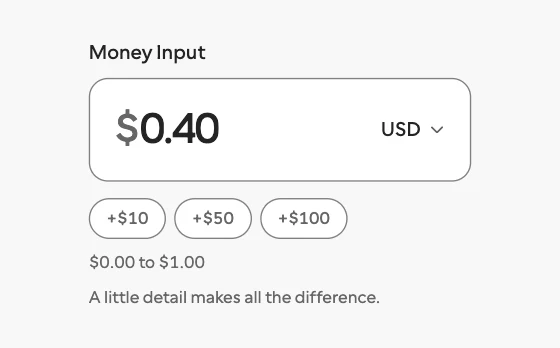
Money Input
A currency field with live grouping, stable width, rolling digits, and minor-unit output.
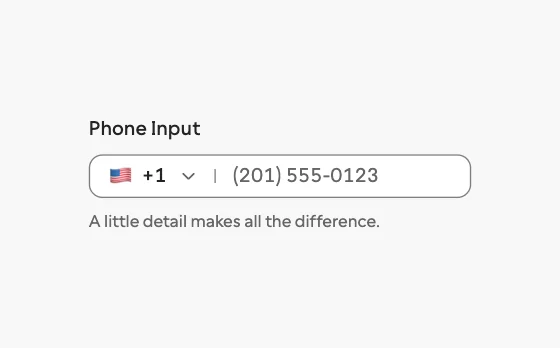
Phone Input
A phone field with a country picker, formatting as you type, and E.164 output.
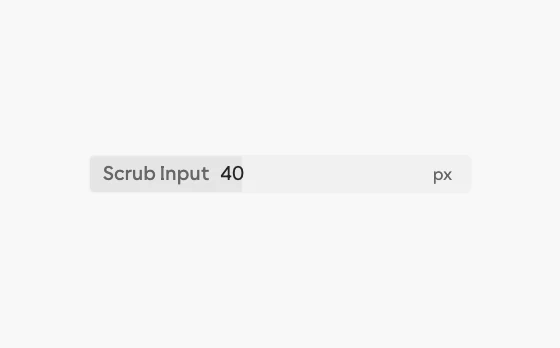
Scrub Input
A Figma-style number field: drag the label to scrub, or type values, units, and arithmetic.
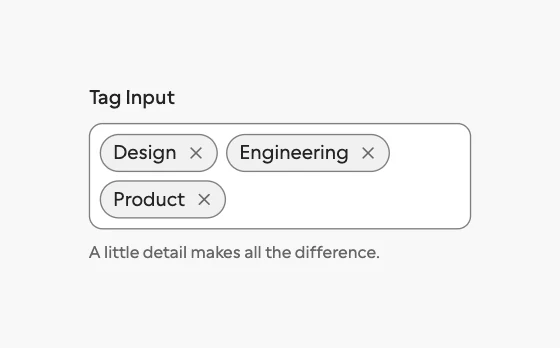
Tag Input
Turn short text values into removable tags.
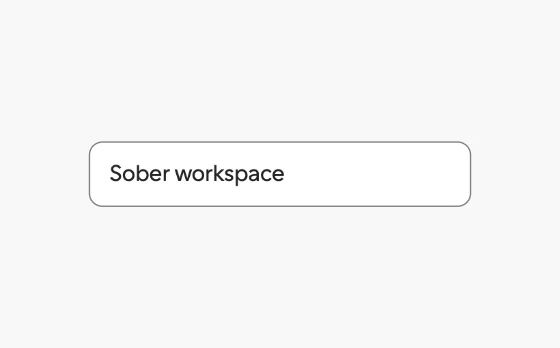
Mention Input
A textarea with @people and #channel mentions that act as single tokens, with suggestions at the caret.
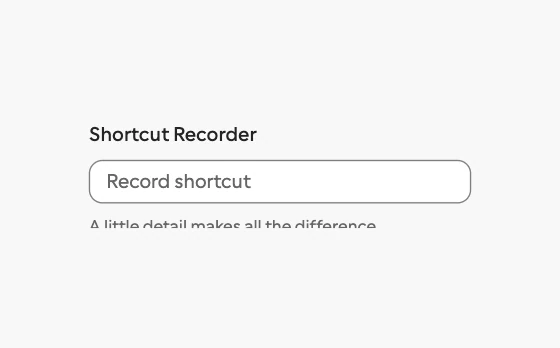
Shortcut Recorder
Record key combinations into key caps, with conflict warnings, Kbd, and a searchable cheatsheet.
Selects
5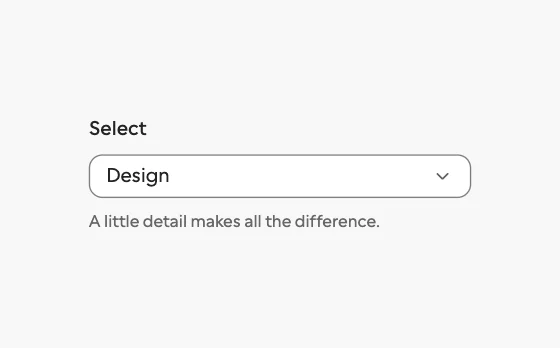
Select
A compact choice field with a keyboard friendly menu.
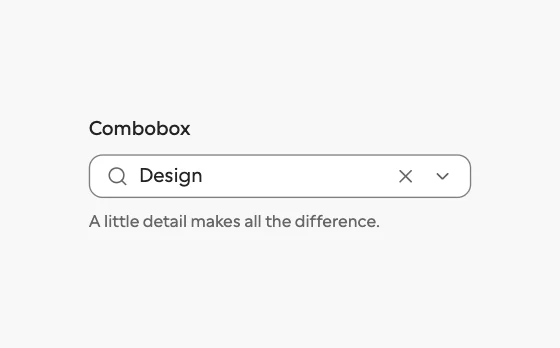
Combobox
Search and select from a list without leaving the field.
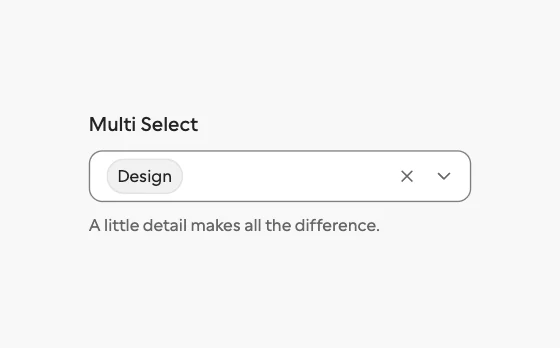
Multi Select
Select several values while keeping the field readable.
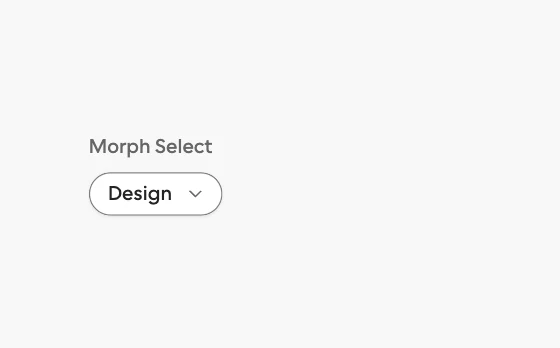
Morph Select
A select whose trigger grows into the list, with a gliding highlight and type-ahead.
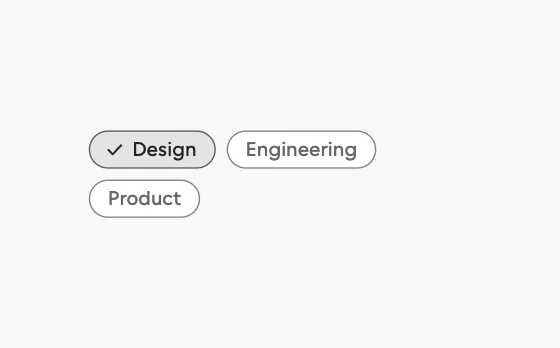
Chip Group
Filter by a few facets with chips that morph as you pick them.
Toggles
7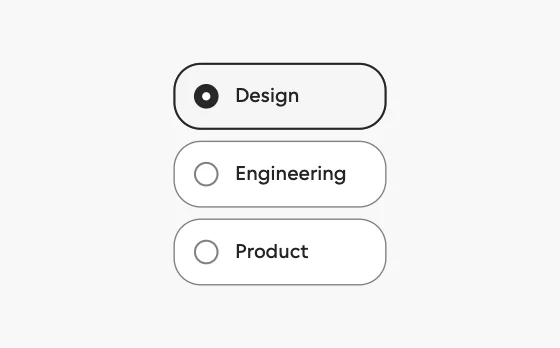
Radio Cards
Selectable option cards with a sliding selection ring, price and description slots, and radio keyboard behavior.
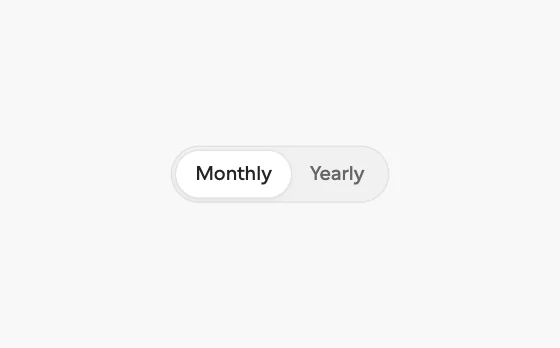
Billing Toggle
A monthly and yearly switch with a savings badge and prices that roll to the new amount.
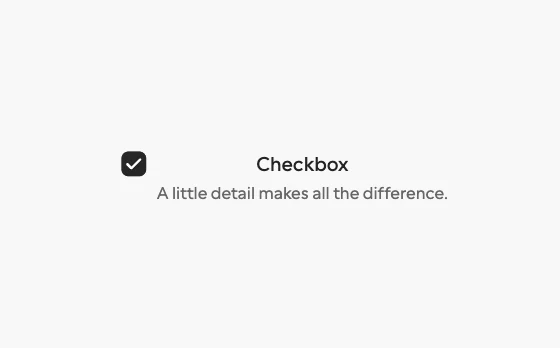
Checkbox
A binary choice with a precise, legible state.
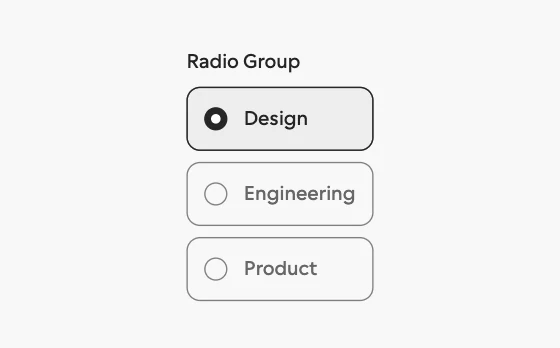
Radio Group
Choose one option from a visible set.
Switch
A tactile toggle for settings that take effect immediately.
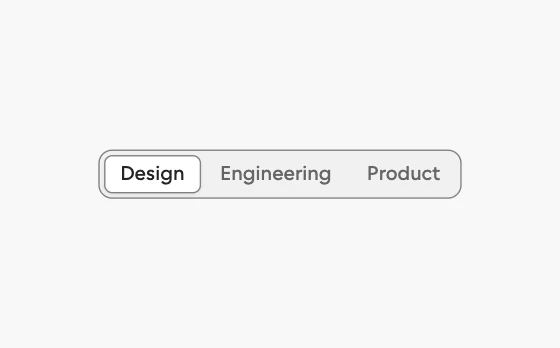
Segmented Control
Switch between a small set of related views.
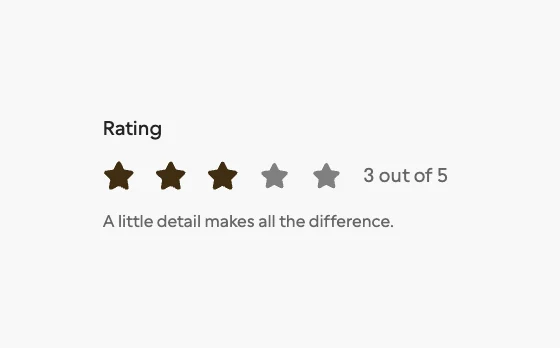
Rating
A simple, accessible way to capture a numeric opinion.
Sliders
4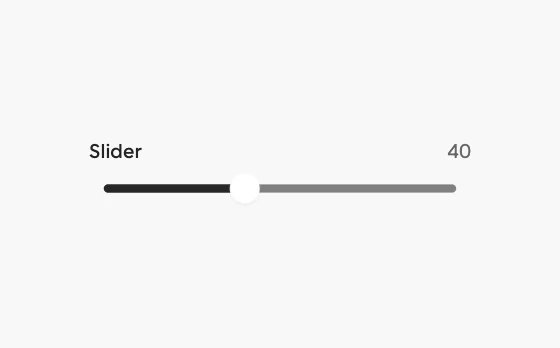
Slider
Pick a value or a range on a track that follows your finger.
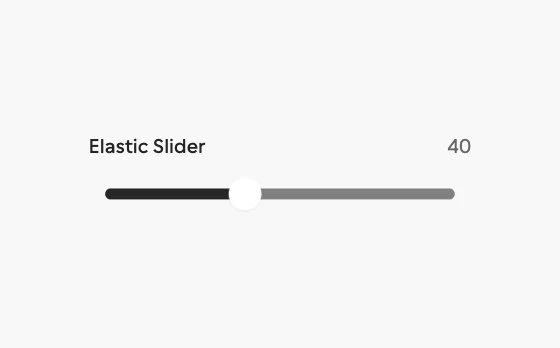
Elastic Slider
A slider that stretches like rubber past its ends, with a swaying value tag and detents the thumb clicks into.
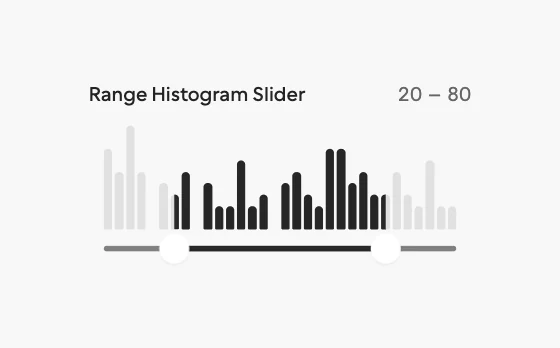
Range Histogram Slider
A price range over a live histogram of the data, lighting the bars inside the range and settling on bar edges.
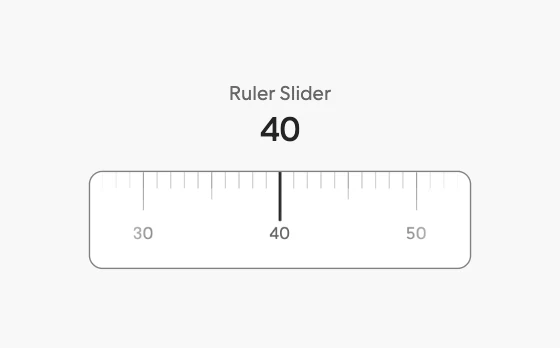
Ruler Slider
A tape of ticks that slides under a fixed needle, with momentum, snapping, and a rolling readout.
Pickers
5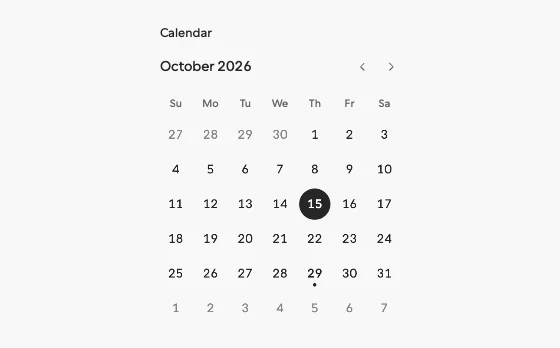
Calendar
Browse dates in a clear, compact month view.
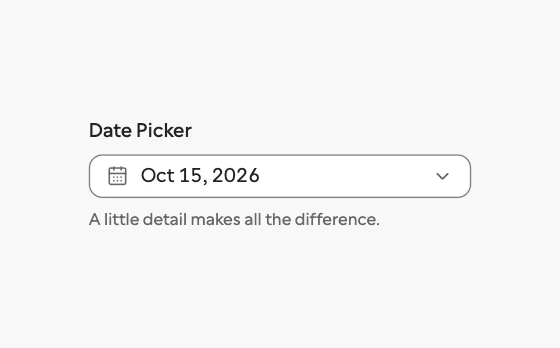
Date Picker
Choose a date without losing context.
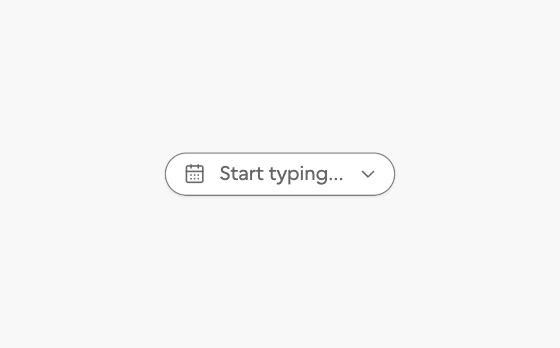
Date Range Picker
A range picker that grows from its trigger into two months with presets and a stretching range highlight.
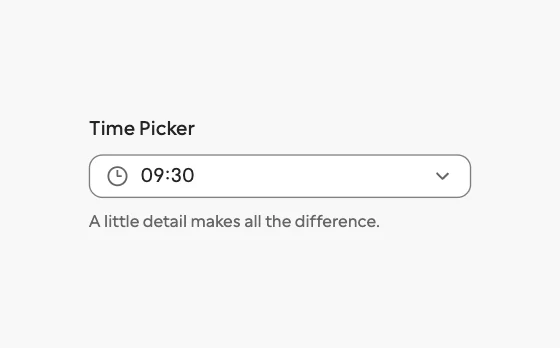
Time Picker
Choose a time with sensible keyboard behavior.
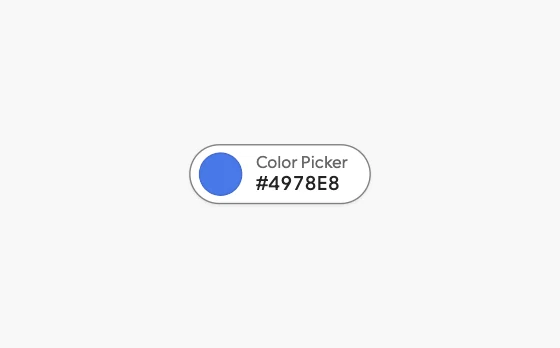
Color Picker
A swatch that grows into a picker with format morphing, eyedropper, saved swatches, and contrast readout.